Official Delverium · 1:53
Early Access release trailer
Early Access · September 2026
A quick look at farming, building and the adventures beyond your settlement.
Find your next progression step →Watch on YouTube ↗Start your world, find a recipe, or reach the next dungeon layer. Clear routes and practical fixes for your next adventure.
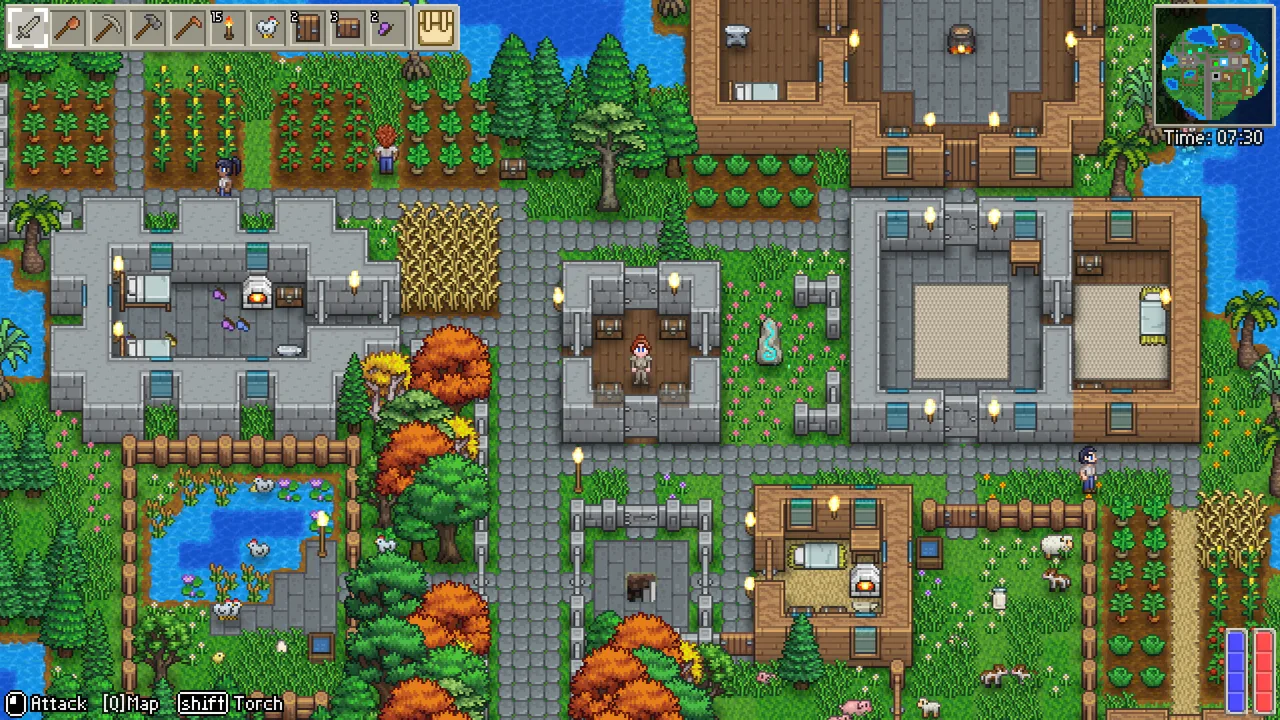
Each category helps you distinguish similar problems and choose the next check.
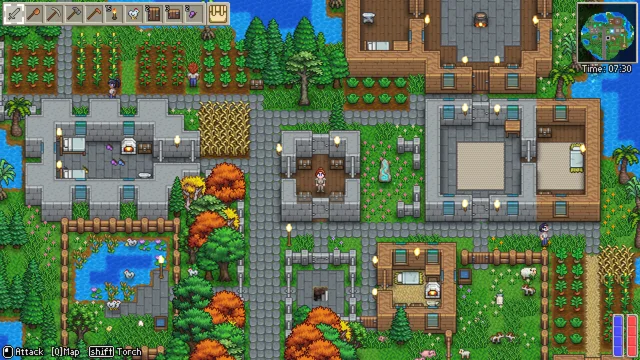
Find ores and enemy materials, choose tools, catch fish, grow animals and cook useful recipes.
Choose your next step →
Start your world, find progression clues, travel between regions and choose equipment or combat supplies.
Choose your next step →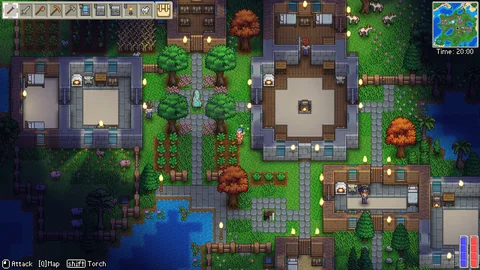
Build valid rooms and paths, identify NPC roles, expand inventory and use nearby storage.
Choose your next step →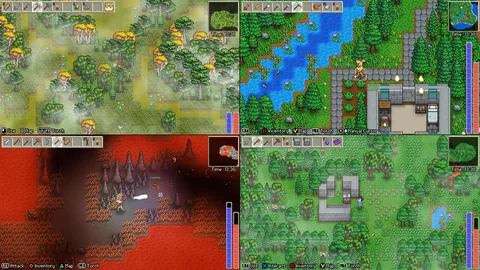
Choose multiplayer or community servers, set up controls, compare platforms and understand world/save options.
Choose your next step →Official Steam screenshots · Sagestone Games. Scenes introduce each category; follow the guides for task-specific steps.
Three looks at Delverium from its developer. Choose a video, then follow the related guide. YouTube loads only when you press play.
Early Access · September 2026
A quick look at farming, building and the adventures beyond your settlement.
Find your next progression step →Watch on YouTube ↗Pre-release development footage
See the game in company, then use the co-op guide to choose your setup. Menus and features may differ in the current build.
Choose your co-op setup →Watch on YouTube ↗Earlier development demonstration
See Delverium running on the handheld. This older demonstration is not a current performance benchmark.
Read the Steam Deck notes →Watch on YouTube ↗Choose a task below, or search for a material or problem.
Find ores and enemy materials, choose tools, catch fish, grow animals and cook useful recipes.
Unlock the water crossing recipe through a Merchant discovery gift, then check your crafting list. Collecting hardwood alone does not unlock it.
Search the northern islands for cows; choose whether to bring one home before collecting hide.
A community route searches crystal levels near lava; the Underworld is another documented location.
Catch sheep in forests or check Agnes after building a trough; allow time for wool.
Hunt Lost Souls at night around Pirate Islands; Soul Essence is a rare drop.
If bass and squid are not enough to reveal the dish, check crayfish, eel and potato at the stove.
Prepare soil, plant crops, speed their growth and harvest without digging up immature plants.
Find the health-recovery route instead of searching for a missing health-potion recipe.
Search the second dungeon level, distinguish ore from bars and check the furnace recipe.
Craft near the furnace, then diagnose missing recipes, ingredients and nested stations.
Cook the three specified dishes and check their ingredients and different cooking stations.
Check enclosure requirements, tame animals and separate produce collection from chicken hatching.
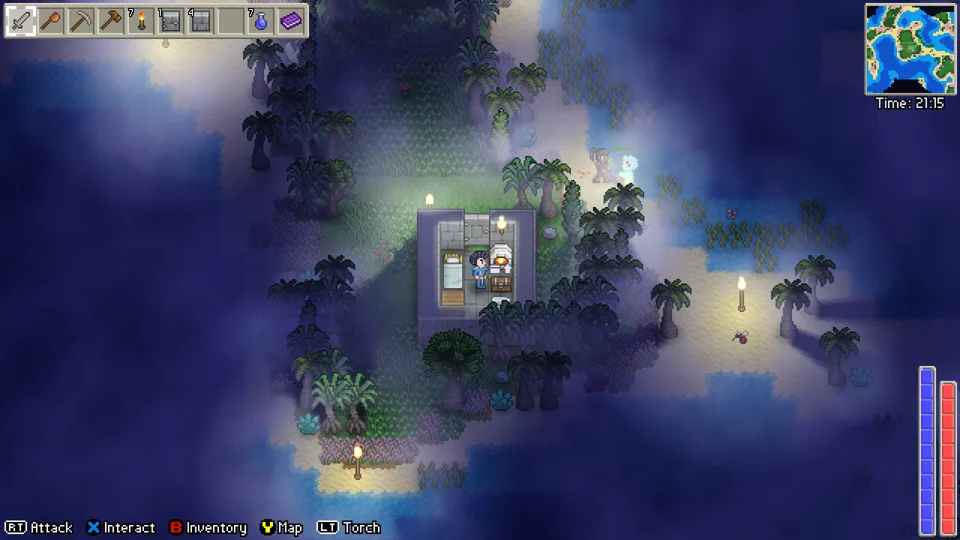
Fishing supplies, water crossings and useful catches start with choosing the right route.
Read white, red and blue recipe ingredients, use nearby stations and let nested crafting produce intermediate materials.
Match a missing recipe to its station family and understand which upgrades retain earlier recipes.
Choose the right water for squid, crayfish, eel and other catches; distinguish fishing weights from drop percentages.
Build a Cookpot, choose a useful first dish and troubleshoot recipes that require a different cooking station.
Mine first-level dungeon copper with the starting pick and turn four ore into a bar at a Furnace.
Search Underworld and Fault-layer gold nodes, then use the Gold Bar recipe at a Silver Furnace.
Search second-level dungeon silver nodes and make bars without confusing Silver Ore with the Silver Furnace station.
Distinguish cooking eggs from fertile hatching eggs and check a pen before waiting for more chickens.
Craft a Small Net from wood and twine and prepare a valid pen before bringing livestock home.
Choose a tool for its resource job, check its tier and distinguish tool damage from combat damage.
Choose the listed axe tier for Hardwood and Deadwood and check the crafting materials and station for the upgrade.
Find wild wheat, plant wheat seeds and reserve the correct amount for Bread, Quiche and other Cookpot recipes.
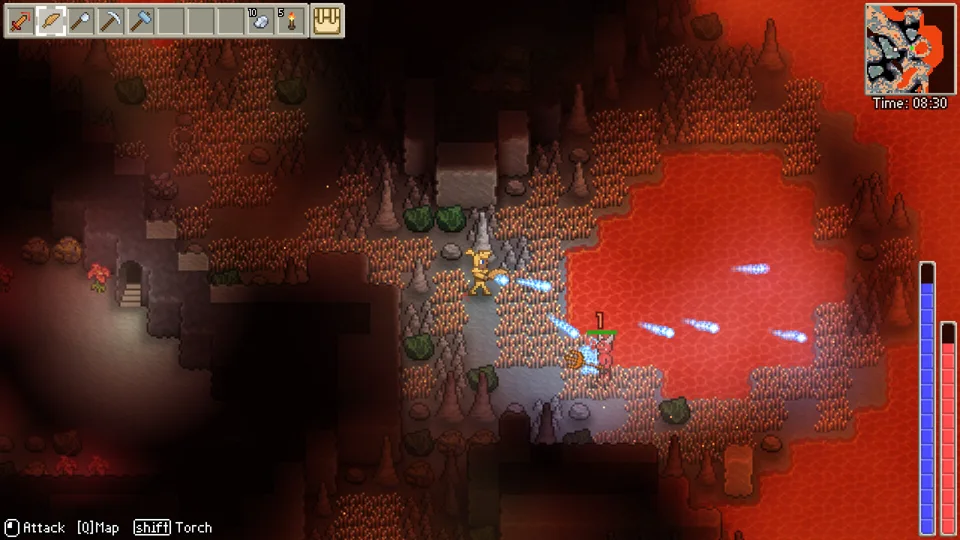
Match the ore, pick and crafting station before planning the next equipment upgrade.
Craft a Minor Mana Potion from cave ingredients and distinguish recovery, permanent capacity and mana-regeneration equipment.
Get Code Fragments from their recorded enemy sources and reserve them for a bar or Progression Key recipe.
Target Segmentation Fault or Access Faults for Memory Fractures and match each recipe to its upgraded station.
Harvest Fire Flowers for Fire Essence and choose whether to spend it on a Teleport Potion or Fireball Staff.
Target Ghosts and Wraiths for Ectoplasm and use it for Mana Potion or Teleport Potion recipes.
Search the northern islands for cows, catch one with a Small Net if you want to bring it home, and prepare a valid pen before placing it.
Harvest small plants and tree seedlings for Plant Fibre.
Mine silica nodes near coastlines with a pick, then smelt 2 Silica Ore into a Glass Brick at a Furnace.
The community reference lists Fertiliser as 1 Smelly Gunk plus 1 Straw and Enhanced Fertiliser as 1 Bone, 1 Blood Sac and 1 Fertiliser.
Food can restore health immediately, increase regeneration temporarily, or do both.
The dedicated potion entries list Minor Dexterity Potion as 2 Cave Moss plus 4 Bat Wings at a Cookpot, for +15% attack speed over 120 seconds.
Mine Opal nodes commonly found in the Crystal Cavern, then use 4 Opal at a Silver Furnace to make an Opal Bar.
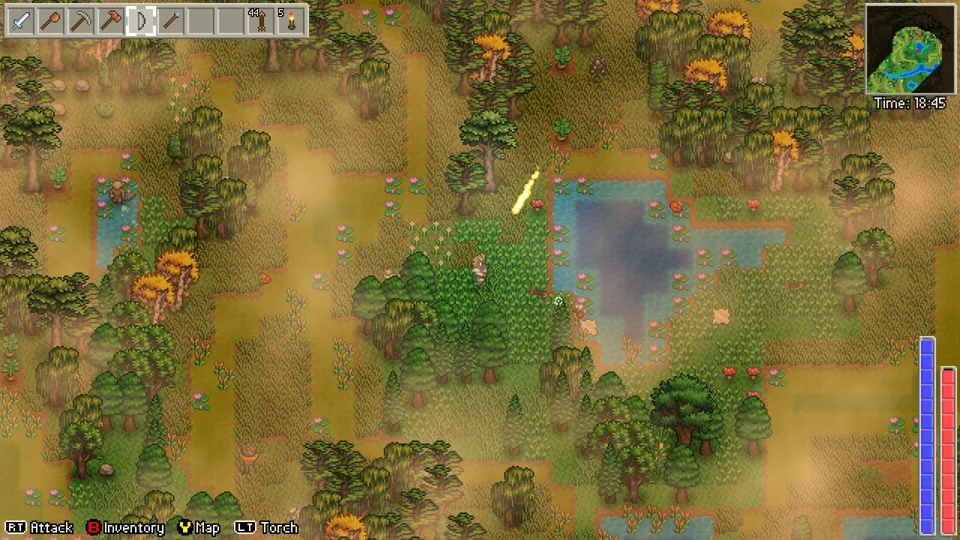
Build a manageable crop plot, collect the ingredients and choose a recipe you can replenish.
Fault Ore is mined from Fault Nodes in the Fault Layer.
The community entry names Fatal Exception Boss as an Exception Fragment source and Unhandled Exceptions as an occasional source.
Quartz Crystal is recorded from Quartz Crystals and Raw Crystal Walls in the Crystal Cavern.
Use a pick for mining and compare its resource tier, not only attack damage.
Craft a Stone Anvil from 4 Stone at a Workbench, or an Iron Anvil from 4 Iron Bars at a Workbench.
Spirit Essence occasionally drops from Ghosts and is a Spirit Staff ingredient.
Gloom Essence occasionally drops from Wraiths.
Tech gear combines Circuit Boards and Insulated Wire at a Stone Anvil.
Fault Acid drops from Exploding Drones and can be harvested from Fault Tubes.
One Energised Orb plus one Circuit Board crafts a batch of 10 Energy Cells at a Deadwood Workbench.
Wasps drop Venom Glands.
Collect Smelly Gunk from Zombies for basic Fertiliser; collect Bone from Skeletons and Blood Sacs from Blooderflies or Mosquitos for the enhanced recipe.
Have ore but no weapon or armour recipe? Discover the refined bar, then check station access and the relevant boss requirement.
A valid pen can still reject animals. Check the 256 tame-animal total, including butterflies and worms, before expanding the farm.
Prefer exploring to farm upkeep? Build a valid shelter, keep a small crop plot, cook useful food and add livestock only for the output you need.
Start your world, find progression clues, travel between regions and choose equipment or combat supplies.
Choose the correct target: Segmentation Fault for Power Function, Finalizors for Finalizor Blaster.
Search the lower-right path toward the lower-left entrance to the next level.
Use Runtime Error lore and the purple map marker to find the first progression boss.
Keep fighting skeletons to raise the escalation timer; understand the random spawn chance.
Compare close-range risk, arrow supplies and mana use before choosing your main attack.
Separate a missing iron-arrow recipe from the arrow types the developer actually listed.
Check the right dungeon layer and the enemy-kill condition behind the Reaper target.
Understand the hidden reset behind the displayed personal best and complete a clean melee streak.
Start Delverium with a useful base, working tools, an activated shrine and a short copper-mining trip.
Find the water pools for the three fishing weapons and distinguish catches from their crafting upgrades.
Separate shipped Early Access changes from developer priorities and longer-term plans without inventing release dates.
Compare defence, magic, ranged and movement set bonuses without treating cosmetic slots as equipment stats.
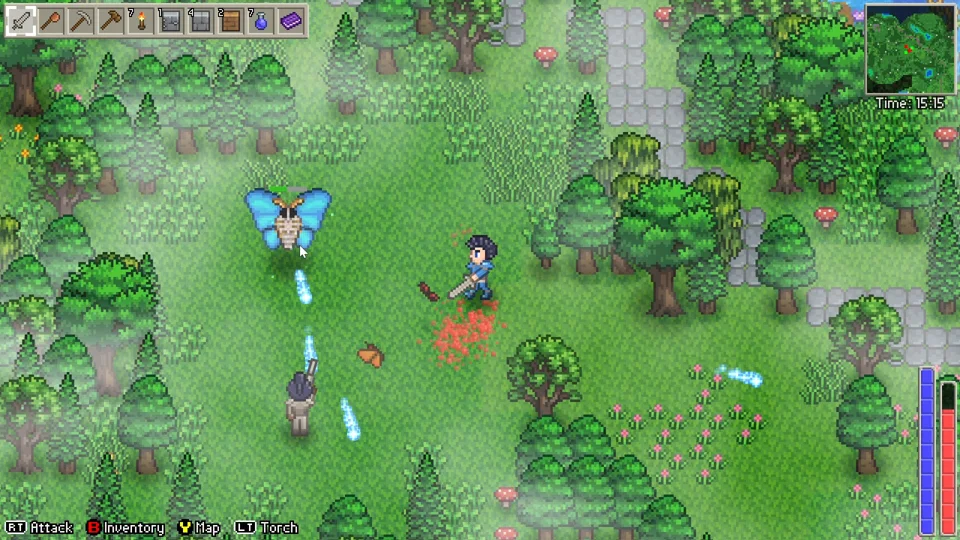
Choose a sustainable weapon, keep healing accessible and follow the clue for the encounter you need.
Distinguish permanent Health/Mana Tokens from food and potions that recover a resource.
Craft the documented Agility Potion and compare its timed movement effect with armour and the latest flooring change.
Craft a Teleport Potion and understand why it returns to the last spawn point rather than any chosen shrine.
Activate the starting travel shrine, use developer region clues and distinguish travel access from boss progression.
Choose a region by your task: calmer base, fishing ingredients, copper, silver, gold or a progression route.
Use the lore marker and locked-stair route for main progression; use named enemies and their rewards for material farming.
Choose a weapon by attack resource and reach before comparing damage.
A practical melee loadout pairs a reachable sword with real armour-slot defence, food recovery and enough movement to disengage.
Build a ranged loadout around a bow or gun you can supply consistently.
Start with a craftable staff and a mana-recovery plan.
Flutter Scales drop from Flutterboss.
Crabs drop Crab Chitin.
Fault Armour requires Fault Bars, Microchips, Cow Hide and Wool at an Obsidian Anvil.
The public Steam list contains 15 achievements.
Check the current community answer on Fault spread, distinguish terrain from enemy spawns and choose the right world-setting or lighting task.
Find the Fallen Ranger, Mage and Warrior, understand rare repeat spawns, and separate armour collection from endgame upgrades.
Follow a September Early Access butterfly-kill demonstration, recognize the encounter and separate its rewards from the main progression route.
Build valid rooms and paths, identify NPC roles, expand inventory and use nearby storage.
Try the community's matching-item workaround when quick stack stops at a full 999 stack.
Reassign the missing villager, move away, and give the room teleport timer another chance.
Use current torch suppression, biome modifiers and six-tile range; separate local spawns from Goblin summons.
Identify the missing villager when you already have Agnes, Brynn and Floyd.
Check room requirements, assign a bed and keep an NPC out of your own room.
Use an Inventory Token for permanent ten-slot expansion and distinguish it from chest storage or quick-stack workarounds.
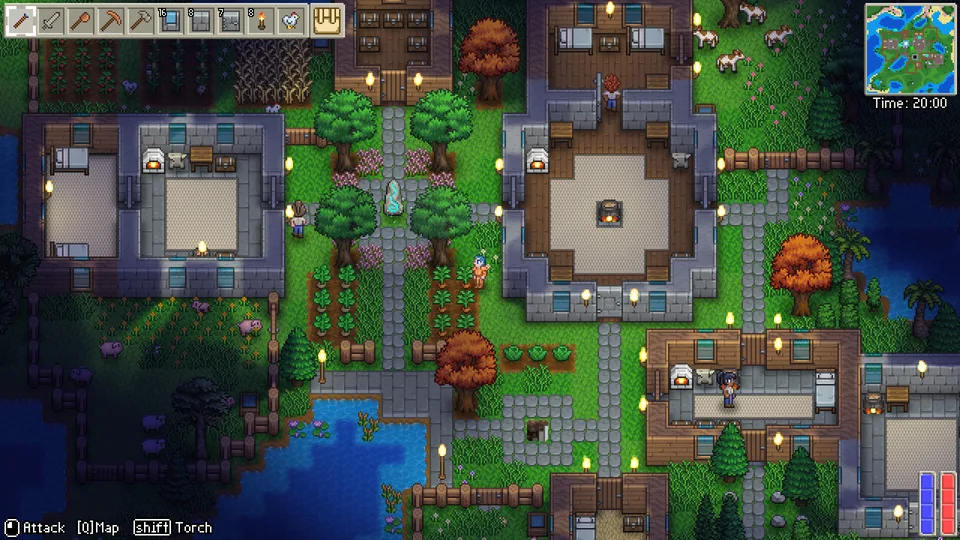
A valid room, a clear assignment and nearby supplies make the next building task easier.
Place directly from crafting, read placement markers and use a hammer to move walls, floors and furniture.
Use the v0.1.0.3 underground placement change and the restored roughly ten-percent flooring movement buff.
Fix unavailable chest ingredients by separating ten-tile storage access, station proximity and another player using the chest.
Identify villagers by their role and choose the right discovery, shop or housing task without inventing automatic farming.
Use a valid mainland room and the developer-reported distance/cooldown checks before trying to unlock a bridge.
Delverium's currency reference values one Copper Coin at 1, a Silver Coin at 100 and a Gold Coin at 10,000.
Use the developer's mouse and gamepad defaults to take one item, take ten or transfer items between inventory and a container.
Choose multiplayer or community servers, set up controls, compare platforms and understand world/save options.
Follow Online → Host New, choose a character and world, then invite Steam friends.
Try the game's Steam Input override, with an easy way to restore the original setting.
Use the developer’s Windows settings workaround for peripherals mistaken for a gamepad.
Locate your world save and understand the community editor’s supported settings and limits.
Use first-launch character import or the developer's Windows file-copy route after skipping the prompt; keep demo-world content limits separate.
Choose the correct tool action, change bindings and switch the gamepad building cursor between automatic and manual placement.
Compare official minimum and recommended Windows requirements and distinguish Steam Deck compatibility from native Linux support.
Choose between the free demo and Early Access, and understand the character/world import boundary before your first launch.
Check official mod-support status and distinguish developer-supported plans from the unofficial Lodestone server project.
Understand the developer-announced Steam Deck Verified status and keep gamepad input enabled while diagnosing controls.
Choose the character-creation death penalty separately from world difficulty and plan your recovery risk.
Choose Casual, Normal or Hard, Small/Medium/Large and Horde Mode without confusing size with enemy difficulty.
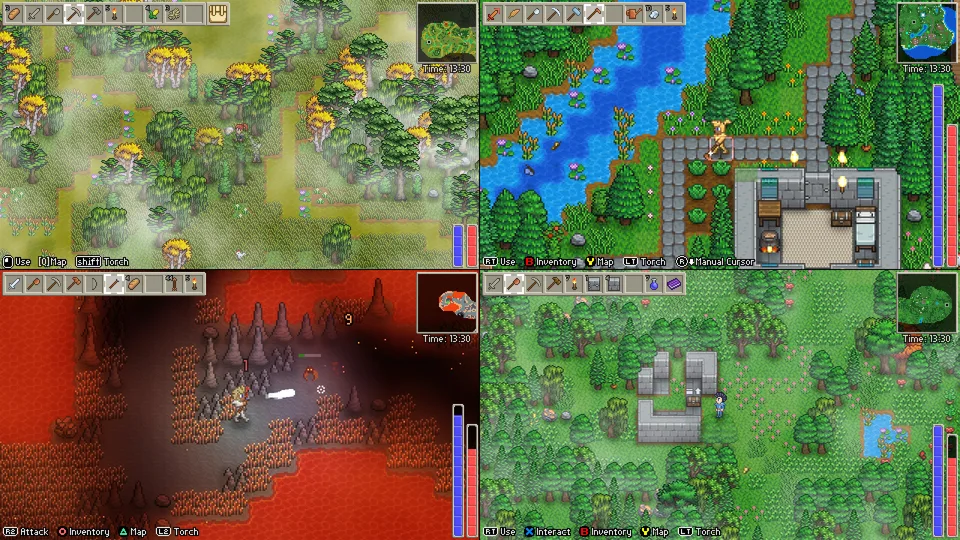
Local seats, online friends and a community server each have their own setup and save rules.
Compare ordinary hosted co-op with the unofficial Lodestone server and understand the client requirement before joining.
Apply the latest recorded patch to your base, underground routes and spawn advice instead of using older values.
Distinguish gameplay UDP ports from RCON, administration and live-map access in the community server documentation.
LodestoneServer documents a Windows headless setup using your own Delverium installation, server files beside Delverium.exe, a steam_appid.txt file and BepInEx configuration.
Delverium is Sagestone Games' Steam survival sandbox, app 2710040.
The current full-game listing supports up to four players on one PC.
On a Lodestone-enabled server, press T to open chat, type a message or slash command, then press Enter.
A Lodestone server provides a browser world map on gameplay port +5: the default is 27021 when gameplay uses 27016.
Read lodestone\boot-report.txt before changing settings repeatedly.
On Windows, the full game's saves live under AppData\LocalLow\Sagestone Games\Delverium\Users\[SteamID]\Saves.
Find the developer-published Discord invitation and choose a useful gameplay, bug-report or community-server support route.
Compare one reported forty-hour large-world run with progression, settlement and achievement goals without treating it as an average completion time.
Choose between provider-listed trainers, the world-save editor and Lodestone commands, with version and permission limits.
Compare Delverium farming, NPC roles, crafting, combat and local co-op with the features you want before trying the demo.
Select your existing character before choosing another world. Keep the old world and distinguish carried equipment from its buildings and exploration.
Use the documented Quit World save-on-exit action. Separate autosaving, Steam Cloud sync and manual backup copies.
Understand buff/slim bodies, separate masculine/feminine voices, demo-version limits and what is not documented about later changes.
Separate character import from manual demo-world copying, missing generated content and starting a complete Early Access world.
No guide matches that search. Try a material name or browse a category.
Delverium entered Early Access on September 21, 2026. This site covers dated Early Access questions; check the official store for the current game version and platform information.
Start with a valid room and a manageable crop plot. Use the room checklist and planting steps before making a larger settlement.
The developer counted four on September 27. The fourth-NPC guide separates that dated roster from future Early Access additions.
The developer's July 2025 lore reply describes these technical names as intentional enemy naming. Seeing such an enemy name is a different symptom from the application crashing.
Built around specific Early Access questions, with developer replies and player experiences linked on each page. Advice carries its date and scenario so you can match it to your world.
Read our sources & editing approach ↗